
Mac adapters & cables
The right Mac connection will get you there



-
Sale
-
Sale
-
Sale


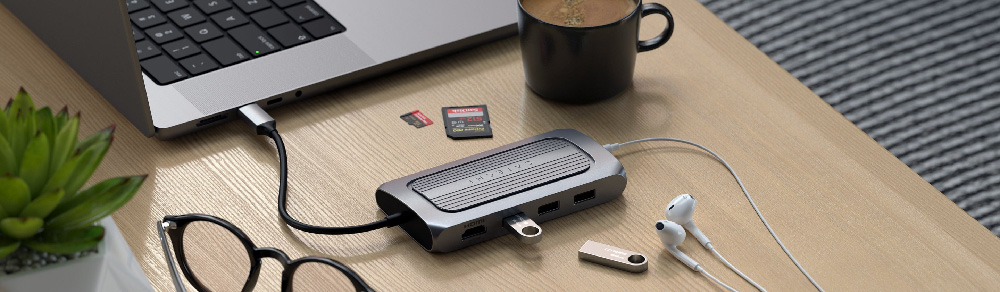
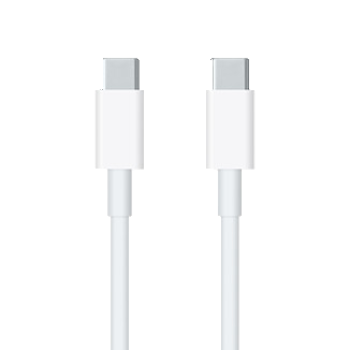
Mac adapters & cables are essential for your computer. From AC adapters for your MacBook, to video and audio cables to connect your Mac to a bigger screen and your sound system. All these cables will make it easier for you and your Mac to get the experience that you're looking for. SB Supply has all cables; from USB, MagSafe, extension cables, FireWire and Ethernet to HDMI, Mini DisplayPort, Mini DVI and Thunderbolts. But also specific adapters from Kanex, such as Thunderbolt to eSATA or HDMI to Mini DisplayPort. Of course we also have USB-C adapters for the new MacBook Pro (2016, 2017 and 2018).
Nowadays more and more laptops and tablets are being equipped with the new USB-C connection. This offers many advantages, but a USB-C connection also ensures that all old devices and gadgets that do not have a USB-C connection can no longer be used without an adapter. To help you with this and to also answer the question of how to connect an external monitor to MacBooks / iMacs, we have put all the important information together. Use our HDMI hubs, USB-C adapters and gadgets to get the most out of your laptop.
USB-C to HDMI adapters
In our range you will find various adapters that can help you make this connection. They all have the same basic purpose: to allow a USB-C device, such as a new MacBook, to be connected to an HDMI port.
Recommended: i-tec USB-C dual HDMI 4K Adapter
Docking stations, USB-C hubs and adapters
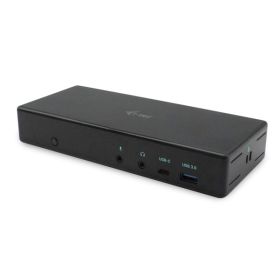
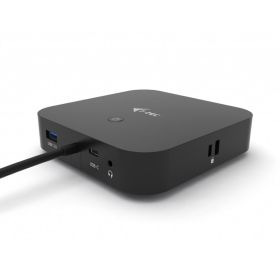
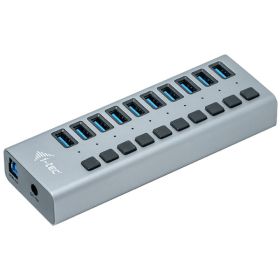
The i-tec range offers multiple solutions and makes it possible to expand your laptop with a lot of extra connections. Use an adapter for a single connection such as USB-C to HDMI or opt for a complete docking station with up to 10 different ports. This way you can easily connect all your peripherals.
Recommended: i-tec Thunderbolt 3 / USB-C Universal Dualdock
Hub with wired internet connection (Ethernet)
Do you no longer want to have to endlessly search for a good WiFi connection? Then consider an Ethernet connection. Connect your device directly with the Ethernet cable to create a stable, secure and fast internet connection. Especially in the home office, where you can't work at the usual office internet speed, it's worth using Ethernet.
Recommended: i-tec USB-A 3.0 / USB-C Dual HDMI Docking Station
Advantages of an Ethernet connection
You may wonder whether an Ethernet connection is necessary at home. But it's especially worth it at home, as Ethernet provides a more secure and faster connection, even in places with occasional internet outages. It also helps prevent hacker attacks that can occur over unprotected WLAN connections. This way you can work in peace.
Benefits of using 2 monitors
This is something we see more and more in offices and at home workplaces. Using 2 monitors has many benefits. In addition to having extra workspace, multitasking also becomes a lot easier. You will get a better overview and can perform multiple tasks at the same time. 2 monitors will definitely increase your productivity. In other words, you get more done in the same timeframe. Who would not want that?
Recommended: 3 different i-tec docking stations that support 2 monitors with the M1 chip
SB Supply Tip: With an extra screen, videoconferencing becomes even easier. Use the screen together with a webcam to view the conference, via Skype, Zoom, Google Hangout, or any other platform, and the other screen to view presentations, notes, or anything else. Another tip here is to invest in a high-quality webcam.