

Dual Monitor support (Apple M1)
USB-C adapters & cables: for your comfort
-
Sale
-
Sale
-
Sale
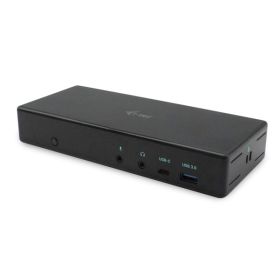


You have a Macbook Pro 2020 with M1 chip and would like to connect multiple monitors. Unfortunately, the M1 chip only supports one monitor. By using the special docking stations on this page, it becomes possible to connect up to three monitors. This is because these docking stations come with a built-in video card. If you want to use two or three monitors, you can connect them via the DisplayPort and/or HDMI inputs on the docking station. The HDMI and DisplayPort ports use the built-in video card required for the Macbook Pro 2020 with M1 chip (DisplayLink technology). Our blog provides more information on connecting multiple monitors to the Macbook Pro / Air M1 / M2.